


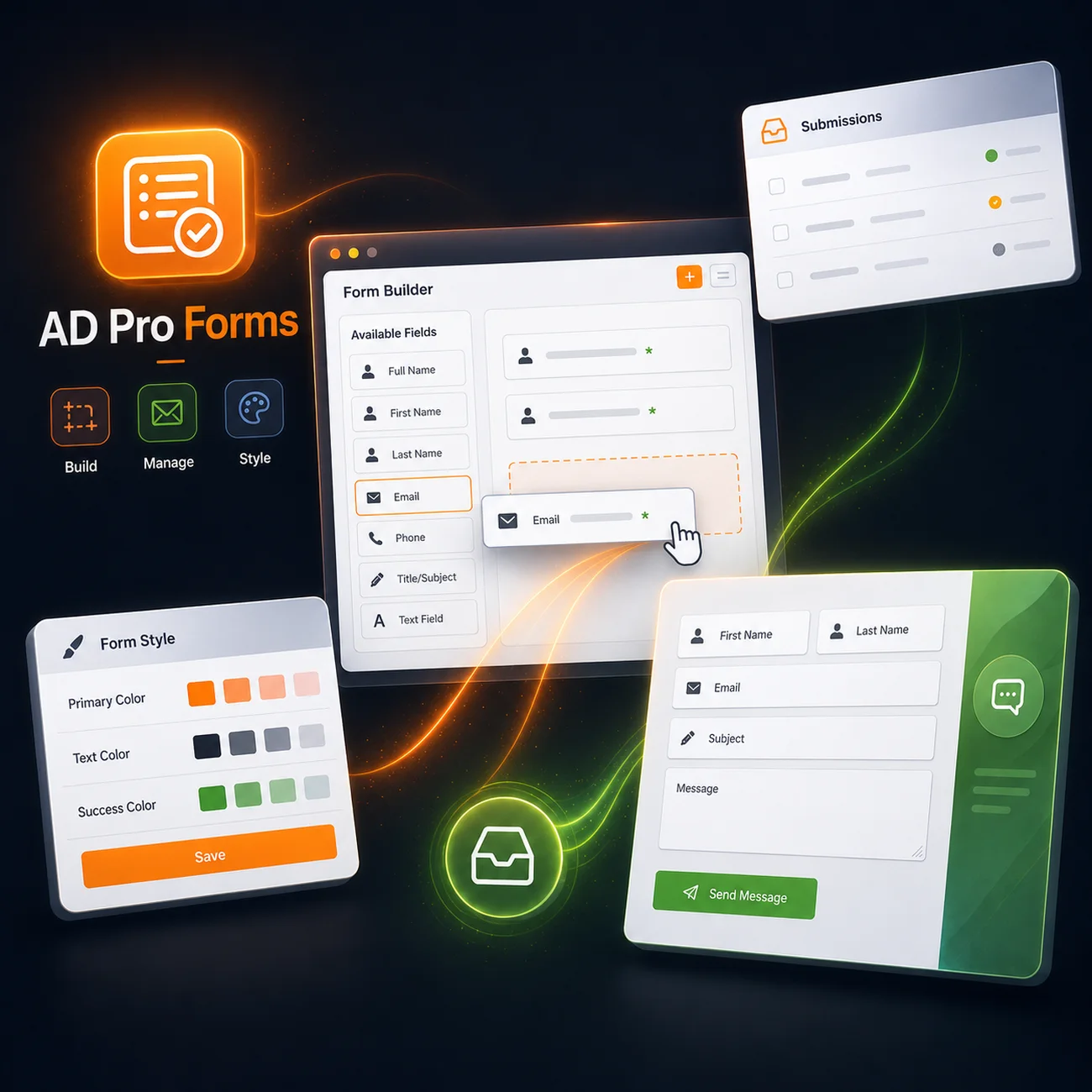

Advanced no-code styling
Match your forms to your brand identity from a complete style panel.
Ultra-lightweight loading
Resources are loaded only on pages that contain a form.
Custom HTML emails
Create branded notifications with a live preview and test send.
Submissions dashboard
View, filter and export submissions directly from WordPress.
Iframe integration
Display your forms on an external site while managing them from WordPress.
Why I built AD Pro Forms ?
As a graphic designer and web developer, I spent years fighting with form plugins. The problems kept coming back : excessive bloat hurting PageSpeed, complex style integration requiring a mountain of CSS, or a critical lack of essential features.
I built AD Pro Forms to fix this. It's the sweet spot between solid code, visual polish, performance and feature depth. No filler, just powerful tools, well designed and simple to use.
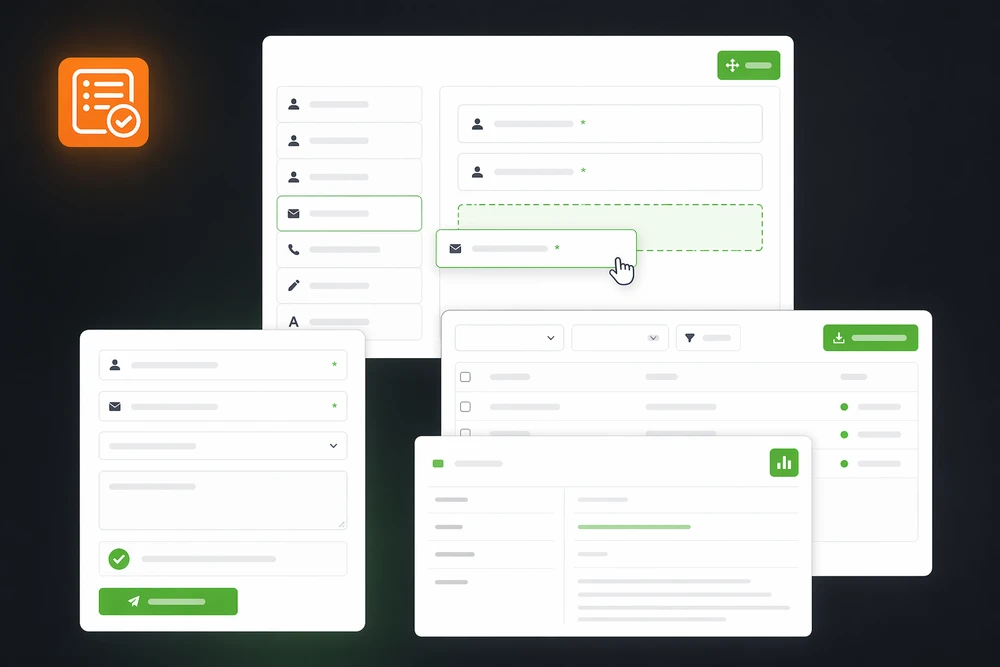
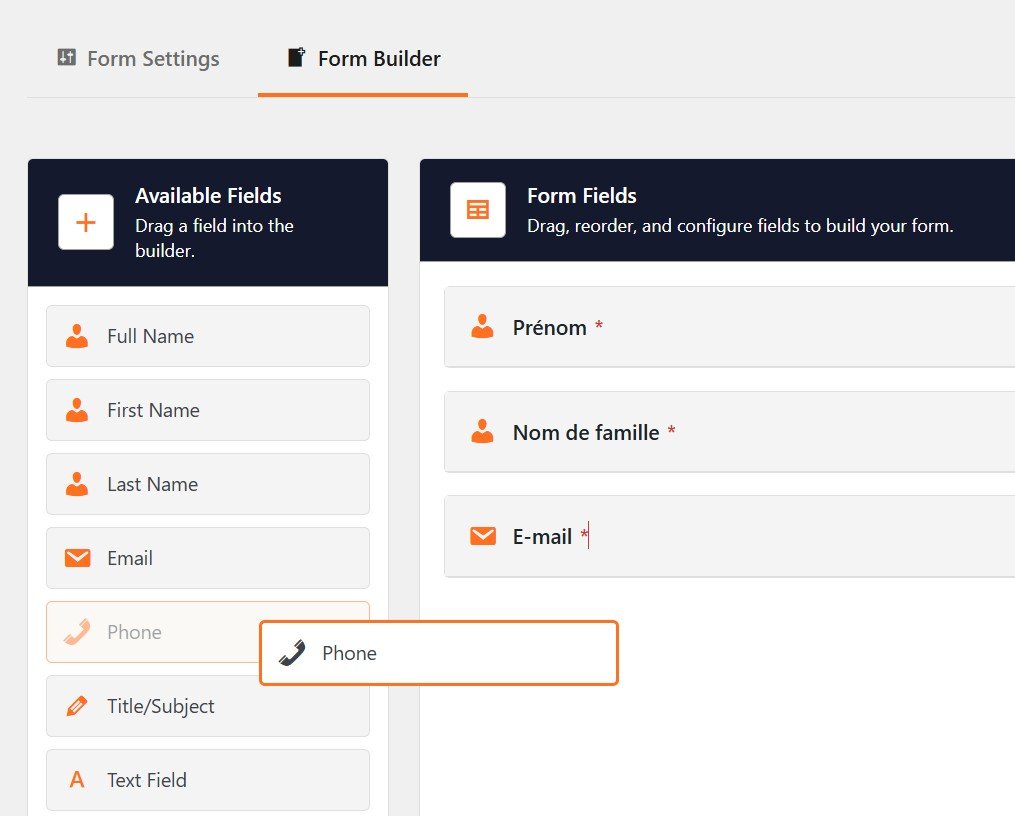
A visual builder that's simple and intuitive
Build your forms with drag-and-drop, add your fields and rearrange their structure from a clean interface. Everything is designed to be fast, with no complex menus or needlessly hidden settings.
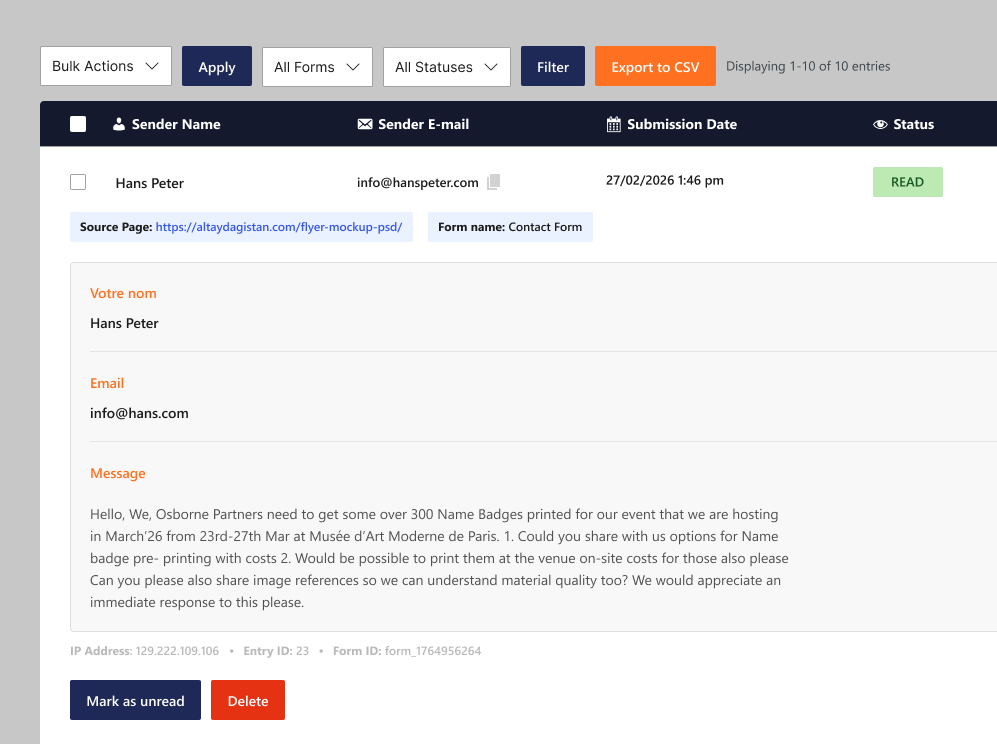
All your submissions in one place
View incoming requests in a clear dashboard. Filter entries by form or status, mark them as read, and export the results to CSV to use in your usual tools.
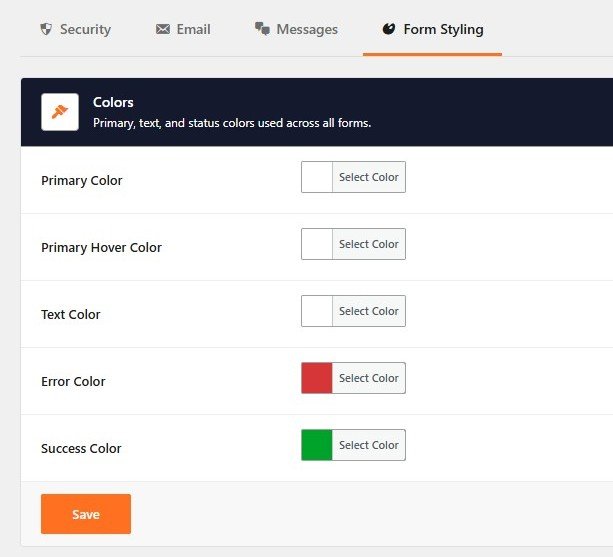
Forms that match your design
Customize typography, colors, spacing, fields, buttons and messages from a visual interface. Set a global style for your site or fine-tune an individual form, with no need to redo its look in CSS.
Everything you need for your WordPress forms
A complete toolkit built for performance, simplicity and flexibility.
Intuitive visual builder
Build your forms with drag-and-drop, configure fields and rearrange their structure from a clear interface.
Advanced customization, no CSS
Control typography, colors, spacing, borders, buttons and messages directly from WordPress.
Global or per-form styles
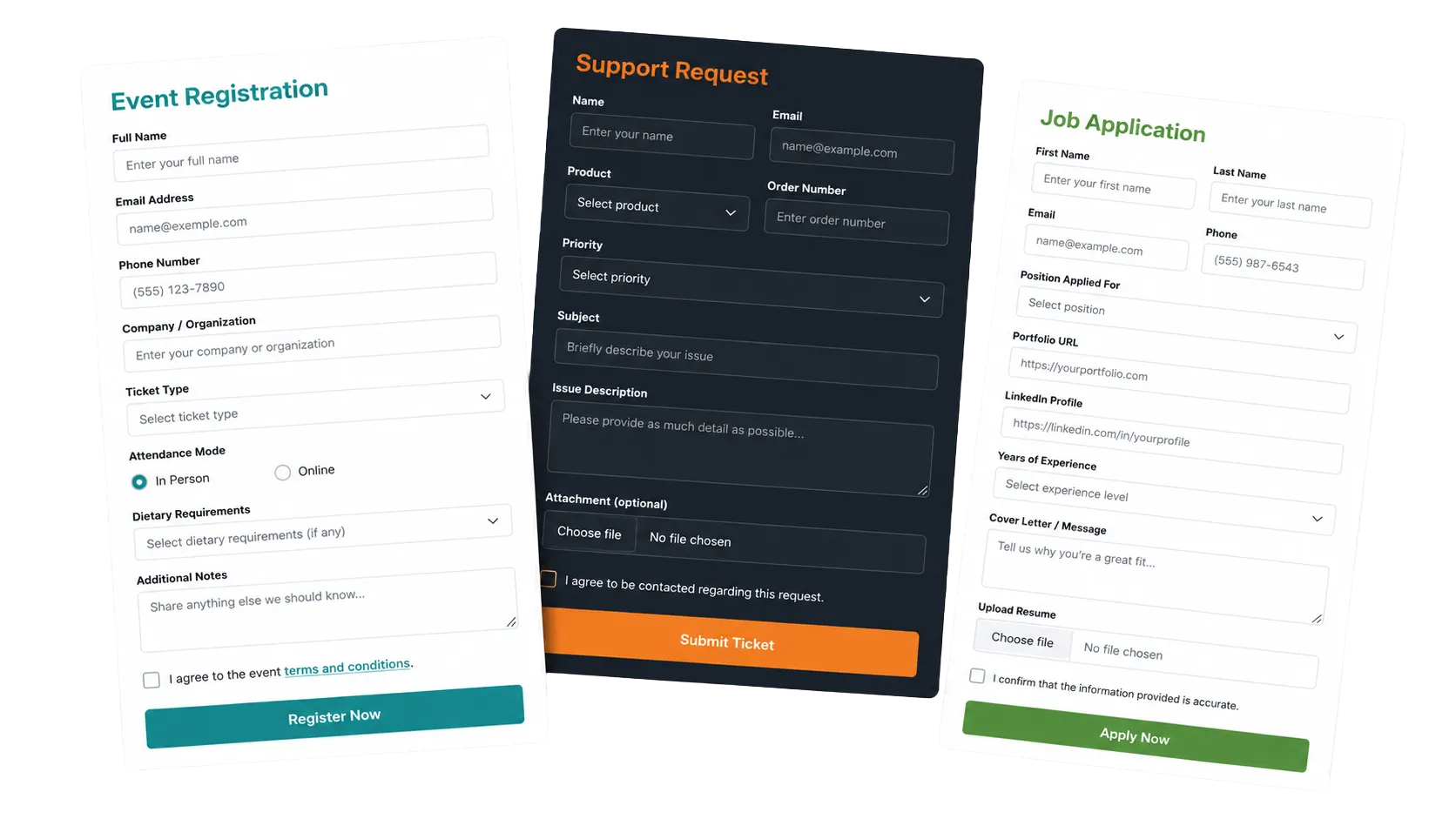
Set a shared look for every form, then customize individual forms to fit your project's needs.
Unlimited forms and fields
Create as many forms and fields as you need, no matter how many pages or projects.
Submissions dashboard
View submissions, filter them by form or status, and mark requests as read from WordPress.
Filtered CSV export
Export data based on the active filters into a structured file, ready for Excel, Google Sheets or your CRM.
Custom HTML notifications
Clean, dynamic, professional messages that match your branding.
Custom redirects
Automatically redirect users to the URL of your choice after a successful form submission.
Iframe integration
Display a form on another site or a landing page while keeping it managed from WordPress.
Conditional loading
CSS and JavaScript resources are loaded only on pages that contain a form.
Anti-spam protection
Combine an invisible honeypot with Cloudflare Turnstile to block bots without a tedious CAPTCHA.
Data secured in WordPress
Submissions stay in your database and benefit from both browser-side and server-side validation.
Instant duplication
Duplicate a form or a field to quickly create variants and reuse your configurations.
White label
Hide the AD Pro Forms name and logo in the admin with the Business license.
Ad-free administration
Work in a clean interface, with no promotional banners, marketing pop-ups or nagging notifications.
Developer-friendly architecture
Extend how forms work with hooks, filters, PHP options and custom processing.
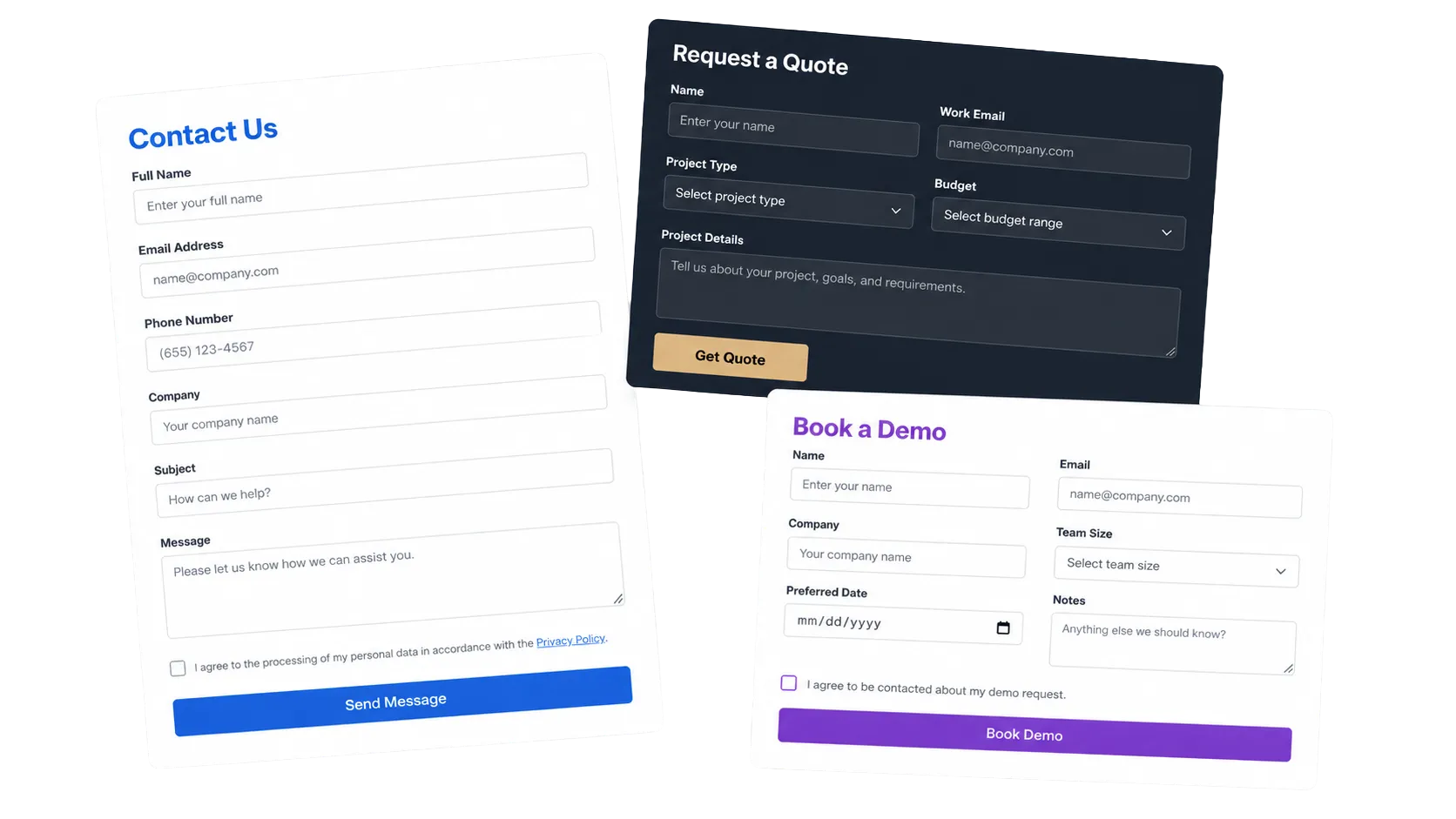
A complete plugin at a fair price
Start for free, equip a single site, or use AD Pro Forms across every one of your client projects.
Starter – 1 Site
- 1 site
- Drag-and-drop visual builder
- Unlimited forms & fields
- Simple integration (shortcode)
- Full global styling
- Customizable email templates
- Native anti-spam (honeypot)
- Ultra-lightweight & responsive
- Ad-free administration
Professional – 10 Sites
- Everything in Starter
- Iframe integration (external sites)
- Submissions dashboard
- Submission export (filtered CSV)
- Duplication (forms & fields)
- Cloudflare Turnstile support
- Custom redirects
- User confirmation emails
- 10 activations
- Priority support
Business – Unlimited
- Everything in Professional
- Unlimited activations
- Full white label
- Developer architecture (hooks/PHP)
- Maximum priority technical support
Starter – 1 Site
- 1 site
- Drag-and-drop visual builder
- Unlimited forms & fields
- Simple integration (shortcode)
- Full global styling
- Customizable email templates
- Native anti-spam (honeypot)
- Ultra-lightweight & responsive
- Ad-free administration
Professional – 10 Sites
- Everything in Starter
- Iframe integration (external sites)
- Submissions dashboard
- Submission export (filtered CSV)
- Duplication (forms & fields)
- Cloudflare Turnstile support
- Custom redirects
- User confirmation emails
- 10 activations
- Priority support
Business – Unlimited
- Everything in Professional
- Unlimited activations
- Full white label
- Developer architecture (hooks/PHP)
- Maximum priority technical support
Complete feature list
Here's everything you can use to build forms that are both powerful and elegant.
🎨 Creation & Builder
- Drag-and-drop visual builder
- Instant field editing
- Drag-and-drop field reordering
- Step-by-step field movement via arrows (with animation)
- Unlimited forms
- Unlimited fields
- Form duplication
- Field duplication
- Custom redirect to any URL after submission
- Simple shortcode for insertion
- Advanced shortcode with JSON configuration
- Ready-to-use HTML iframe embed code
- Easy integration on non-WordPress sites and landing pages
- Form registration via PHP
- Custom fields configurable via code
- Compatible with every WordPress theme
- No heavy framework added to the frontend
🧩 Field types
- Text field
- Email field
- Phone field
- Textarea field
- Number field
- Radio buttons
- Checkboxes (with individual "required" option)
- Dropdown (select)
- Turnstile field (modern captcha)
- Invisible honeypot field
- Submit button
🖌️ Customization & styling
- Dedicated global style panel
- Adjustable colors for every element
- Typography controls (size, weight, font)
- Spacing settings (margins, padding)
- Field style controls (borders, radius, focus)
- Customizable button styling
- Error and success message styling
- Modern style effects (e.g. : backdrop blur)
- Consistent look across every browser
- Per-form style option (inherit or override)
- Responsive forms on mobile and tablet
🔒 Security
- Built-in Cloudflare Turnstile
- Automatic honeypot
- WordPress nonce verification
- Server-side validation
- Client-side validation
- Automatic data sanitization
- Secure data storage
- IP address logging
- User agent logging
- Native anti-spam, no third-party dependencies
📩 Email system
- Admin notification emails
- User confirmation emails
- Choose a specific recipient email per form
- Branded HTML emails (logo, background, accent colors and text)
- Customizable email templates
- Dynamic content via placeholders
- Live preview and test-send button from the settings
- Clean HTML send format
- Multi-recipient support
- Works with wp_mail
- Optimized default messages (EN)
📊 Submission management
- Complete management dashboard
- Accordion display of submissions
- Filter by form
- Filter by status (read, unread)
- Read / unread marking system
- Bulk marking
- Bulk deletion
- Smooth pagination
- Clear sorting and clean interface
- Export submissions to CSV
- Export respects active filters
- CSV structured by fields + metadata
- Stored metadata : date, IP, user agent
- View optimized for support teams / CRM
⚡ Performance & UX
- Ultra lightweight
- No unnecessary overhead
- Scripts loaded only when a form is present
- Code optimized for speed and stability
- Clean, minimalist frontend
- Clear, distraction-free user experience
- No ads, no intrusive pop-ups
- Compatible with caching and performance optimization
- Built for high-traffic sites
🧪 Validation & data quality
- Email validation
- Required field validation
- Number validation
- Full customization of error and success text
- Pre-filling possible via default value
- Placeholder text to guide the user
🛠️ Advanced features
- Full translation support (i18n) with .pot template
- French translation included by default (.po/.mo)
- Automatic iframe resizing via postMessage
- Forms configurable via PHP
- adpf_form_config_{id} filter to modify any form
- Helper methods for developers
- Hooks for custom processing
- Clean, segmented OOP architecture
- Separate module for each feature (builder, handler…)
- Extensible for custom fields or custom send logic
💼 Business features
- Unlimited licenses
- White label function
- Maximum priority support
- Ideal for agencies and multisite developers
AD Pro Forms vs. WPForms and Fluent Forms
A factual comparison of the points that matter day-to-day.
Made in Paris
GDPR compliant
7-day trial
Satisfaction guaranteed or refunded
Frequently Asked Questions (FAQ)
This plugin was built to end a dilemma : choosing between bloated free extensions that wreck your SEO score (PageSpeed), and overpriced premium solutions. If you're looking for a tool that's quick to set up, clean under the hood and generous with its core features, you're in the right place.
No. The builder lets you create and customize forms directly from WordPress. Integration is done with a shortcode. Hooks and PHP options are available for developers who want to go further.
It's very simple : a site running WordPress 5.0 or higher and PHP 7.2 or higher (which covers 99 % of current hosting plans, including entry-level offers).
It's the exact opposite. Most form plugins load their scripts on absolutely every page of your site, even when there's no form. AD Pro Forms is smart : its files (CSS/JS) only load when a form is detected on the page. The rest of the time, its impact on your load speed is zero.
No. The plugin natively includes an invisible Honeypot system. It traps spam bots completely transparently, with nothing for you to configure. The Cloudflare Turnstile option is an additional (free) safeguard you can enable in 2 minutes if you're hit by heavy spam waves.
Yes, natively. Unlike external SaaS solutions, AD Pro Forms stores all form data on your own WordPress database. No information passes through a third-party server. You remain the sole owner of your leads' data.
You can try the Professional plan completely risk-free. You get every premium feature (submissions dashboard, CSV export, one-click duplication, user confirmation emails) for 7 days. If the plugin isn't right for you, cancel anytime with one click from your customer account, without paying a cent.
Your forms won't stop working. They stay active and you keep receiving your messages. Renewing your license simply lets you keep getting security updates, new features, and priority technical support.
Yes. On top of the free trial, we apply a 7-day "Satisfaction Guaranteed or Your Money Back" policy to every paid plan (including lifetime licenses). If the plugin doesn't fully meet your expectations, we give you a full refund.
Available on the Business plan, it lets you completely hide the "AD Pro Forms" name and plugin logo in the WordPress admin. It's the ideal option for agencies and freelancers who want to deliver a clean site to their clients, under their own brand or with no mention of third-party tools.
Let's talk about your project
Launching something new, refreshing your brand or evolving your website?
Tell me about your context, goals and constraints. I'll get back to you personally.
15+
years of experience
500+
projects completed
100+
clients served