Kakemono - Guide
Kakemono: what size should you choose for your stand?
Format 85 x 200, 100 x 200, 120 x 200 - before ordering or having your kakemono created, the choice of dimensions determines legibility, visual impact and preparation of the graphic file. Here's how to decide.
📐 Hanging kakemono vs. rolling kakemono: the basic difference
The term «kakemono» conceals two different structures that influence the choice of dimensions.
Visit hanging kakemono hangs high - from the ceiling, a door, a crossbar. It unrolls from top to bottom. Versatile, it is ideal for narrow spaces where a floor support is impossible. Widths range from 30 to 250 cm, heights from 100 to 300 cm.
Visit roll-up kakemono (also known as a roll-up) is self-supporting - it stands on the ground and rolls up into an aluminum base for transport. This is the format most commonly used on trade show stands. Standard heights range from 200 to 215 cm.
📏 Standard roll-up formats
Here are the most common widths. The height is almost always set at 200 or 215 cm.
🎯 The right format for your exhibition context
| Context | Recommended format | Number | Why |
|---|---|---|---|
| Stand 2 x 2 m (small) | 85 x 200 | 1 à 2 | No clutter, easy to read from the front |
| Stand 3 x 3 m (standard) | 85 or 100 x 200 | 2 à 3 | Visually delimits the stand |
| Stand 6 m and over | 120 x 200 | 3 à 5 | Filling space, creating a visual wall |
| Showroom / lobby | 85 x 200 | 1 à 2 | Sober, permanent signage |
| Conference / stage | 100 or 120 x 200 | 2 | Framing the podium, camera visible |
📊 Formats most frequently used in the workplace
Estimated share of use by format (B2B trade shows France)
🖥️ What dimensions mean for graphic design
The choice of format has a direct impact on file preparation. A poorly calibrated file may result in blurred printing or be rejected by the printer.
-
Always work in portrait format. A kakemono is never used in landscape. Verticality guides the eye from top to bottom - logo at the top, main message in the center, contact at the bottom.
-
Resolution: 150 DPI at full size, or 300 DPI at half size. Working at full size at 300 DPI generates files that are too heavy and unnecessary. Half-format at 300 DPI is the standard method used by print designers.
-
CMYK color mode mandatory. An RGB (screen) file will give offset colors when printed. The CMYK profile must be applied before export.
-
Full bleed. Some printers require a 5 to 10 mm bleed around the visual to avoid white edges after cutting.
-
Safety zone. Important elements (logo, text, CTA) must be at least 20 mm from the edges to avoid being cut by the winding mechanism at the bottom.
⚙️ Technical specifications by format
| Format | Half working format | Resolution | Mode | Bleed |
|---|---|---|---|---|
| 85 x 200 cm | 42.5 x 100 cm | 300 DPI | CMYK | 5 mm |
| 100 x 200 cm | 50 x 100 cm | 300 DPI | CMYK | 5 mm |
| 120 x 200 cm | 60 x 100 cm | 300 DPI | CMYK | 5 mm |
| 150 x 200 cm | 75 x 100 cm | 300 DPI | CMYK | 10 mm |
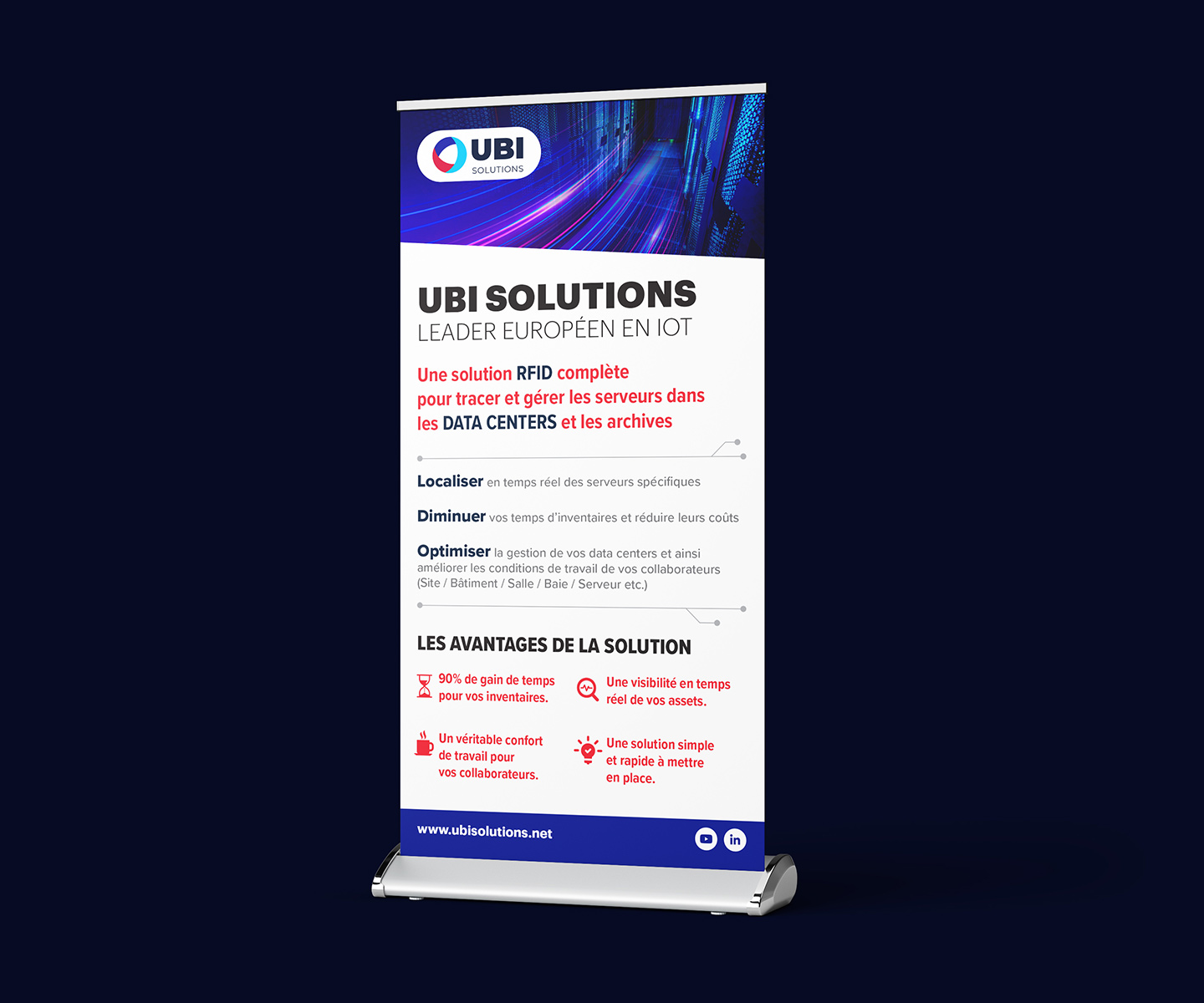
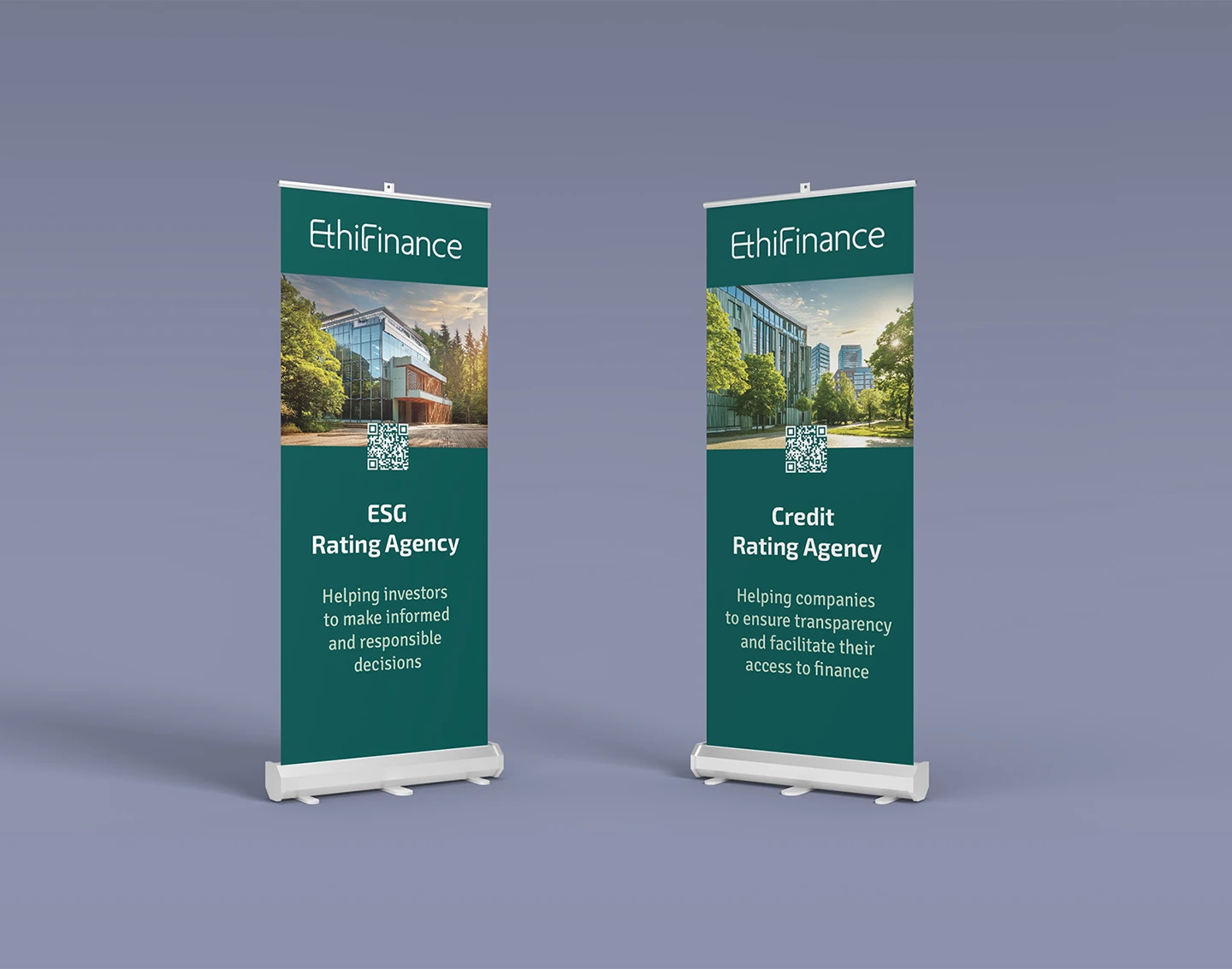
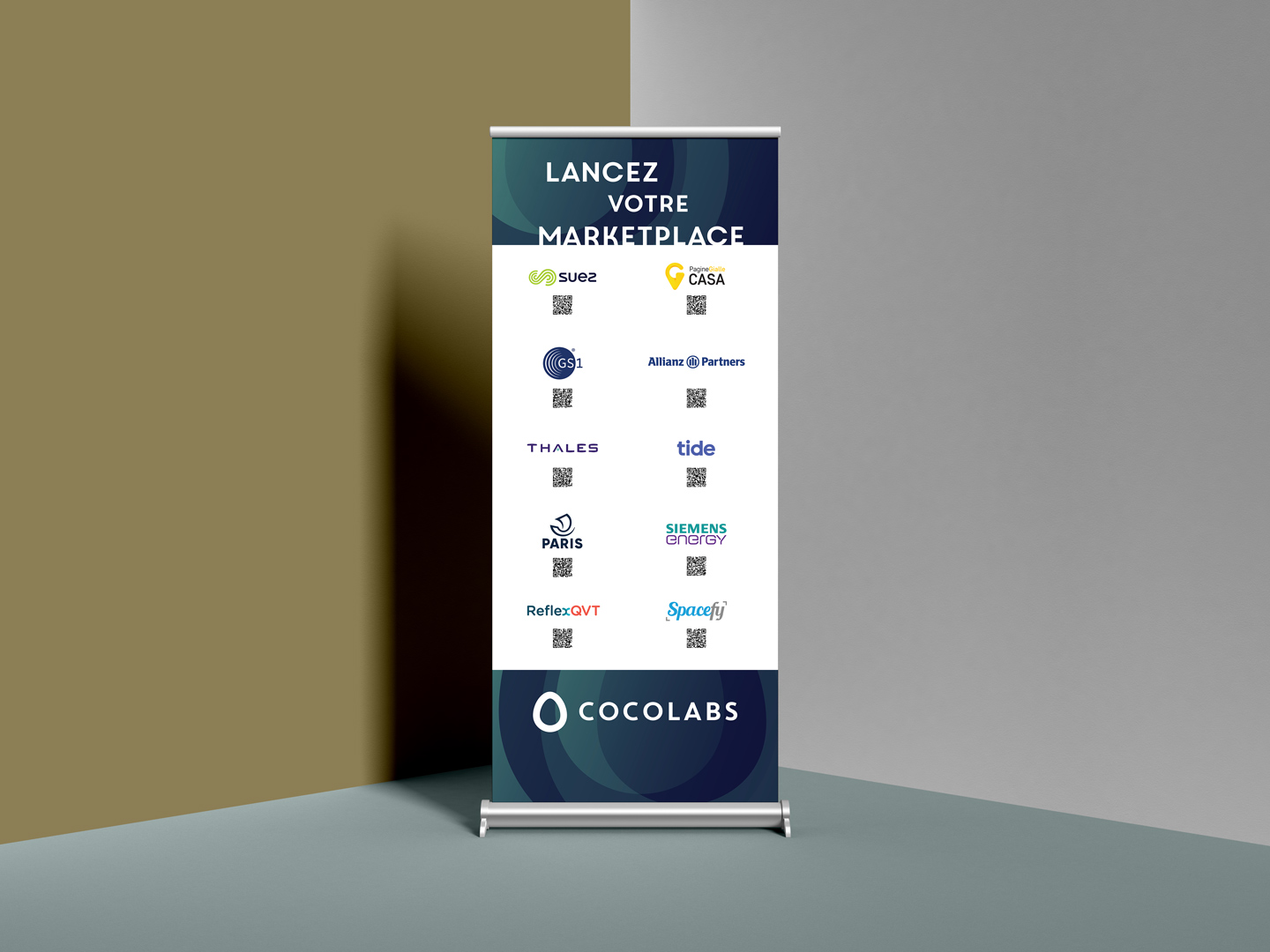
🗂️ Examples of achievements
Roll-ups and kakemonos created for trade shows and B2B events.
📌 Things to remember
For a standard trade show stand, the 85 x 200 cm is the default choice - it fits 80 % of B2B contexts, integrates seamlessly and remains the easiest to have created and printed.
If your stand is larger than 3 x 3 m, or if you want to create a visual wall, go to 100 or 120 x 200. In all cases, define the format before starting the graphic design - changing dimensions during the project means starting the layout all over again.
Are you planning a trade show or event?
Creation of professional kakemonos and roll-ups - quotation within 24 hours.
See the kakemono page