


Kakemono · Guide
Kakemono: what dimensions should you choose for your stand?
Format 85 x 200, 100 x 200, 120 x 200 — before ordering or having your kakemono created, the choice of dimensions determines the readability, visual impact and preparation of the graphic file. Here's how to decide.
📐 Hanging kakemono vs winding kakemono: the basic difference
Under the term "kakemono" hide two different structures which influence the choice of dimensions.
The hanging kakemono hangs high up — from the ceiling, from a door, from a crossbar. It goes from top to bottom. Versatile, it is suitable for narrow spaces where placing a floor support is impossible. Widths vary from 30 to 250 cm, heights from 100 to 300 cm.
The winder kakemono (also called roll-up) is self-supporting — it sits on the ground, rolls up into an aluminum base for transport. This is the format most used on trade show stands. Standard height is 200-215cm.
📏 Standard roll-up formats
Here are the most common widths. The height is almost always set at 200 or 215 cm.
🎯 What format depending on your exhibition context
| Context | Recommended format | Number | Why |
|---|---|---|---|
| Stand 2 x 2 m (small) | 85x200 | 1 to 2 | No bulk, readable from the front |
| Stand 3 x 3 m (standard) | 85 or 100x200 | 2 to 3 | Visually demarcates the stand |
| Stand 6m and over | 120x200 | 3 to 5 | Fill the space, create a visual wall |
| Showroom / reception hall | 85x200 | 1 to 2 | Permanent, sober signage |
| Conference/stage | 100 or 120 x 200 | 2 | Frame the podium, visible to the camera |
📊 Most used formats in a professional context
Estimated usage share by format (B2B France trade shows)
🖥️ What dimensions mean for graphic design
The choice of format directly impacts the preparation of the file. A poorly calibrated file can cause blurry results when printed or be rejected by the printer.
-
Always work in portrait format. A kakemono is never used in landscape. Verticality guides the eye from top to bottom — logo at the top, main message in the center, contact at the bottom.
-
Resolution: 150 DPI at full size, or 300 DPI at half size. Working at real size in 300 DPI generates files that are too large and unnecessary. Half-size at 300 DPI is the standard method for print designers.
-
CMYK colorimetric mode required. An RGB (screen) file will result in offset colors when printed. The CMYK profile must be applied before export.
-
Bleed. Some printers require a bleed of 5 to 10 mm around the visual to avoid white edges after cutting.
-
Safety zone. Important elements (logo, text, CTA) should be at least 20mm from the edges so as not to be cut off by the winding mechanism at the bottom.
⚙️ Technical specifications by format
| Format | Half working format | Resolution | Fashion | Bleed |
|---|---|---|---|---|
| 85x200cm | 42.5 x 100cm | 300 DPI | CMYK | 5mm |
| 100x200cm | 50x100cm | 300 DPI | CMYK | 5mm |
| 120x200cm | 60x100cm | 300 DPI | CMYK | 5mm |
| 150x200cm | 75x100cm | 300 DPI | CMYK | 10mm |
🗂️ Examples of achievements
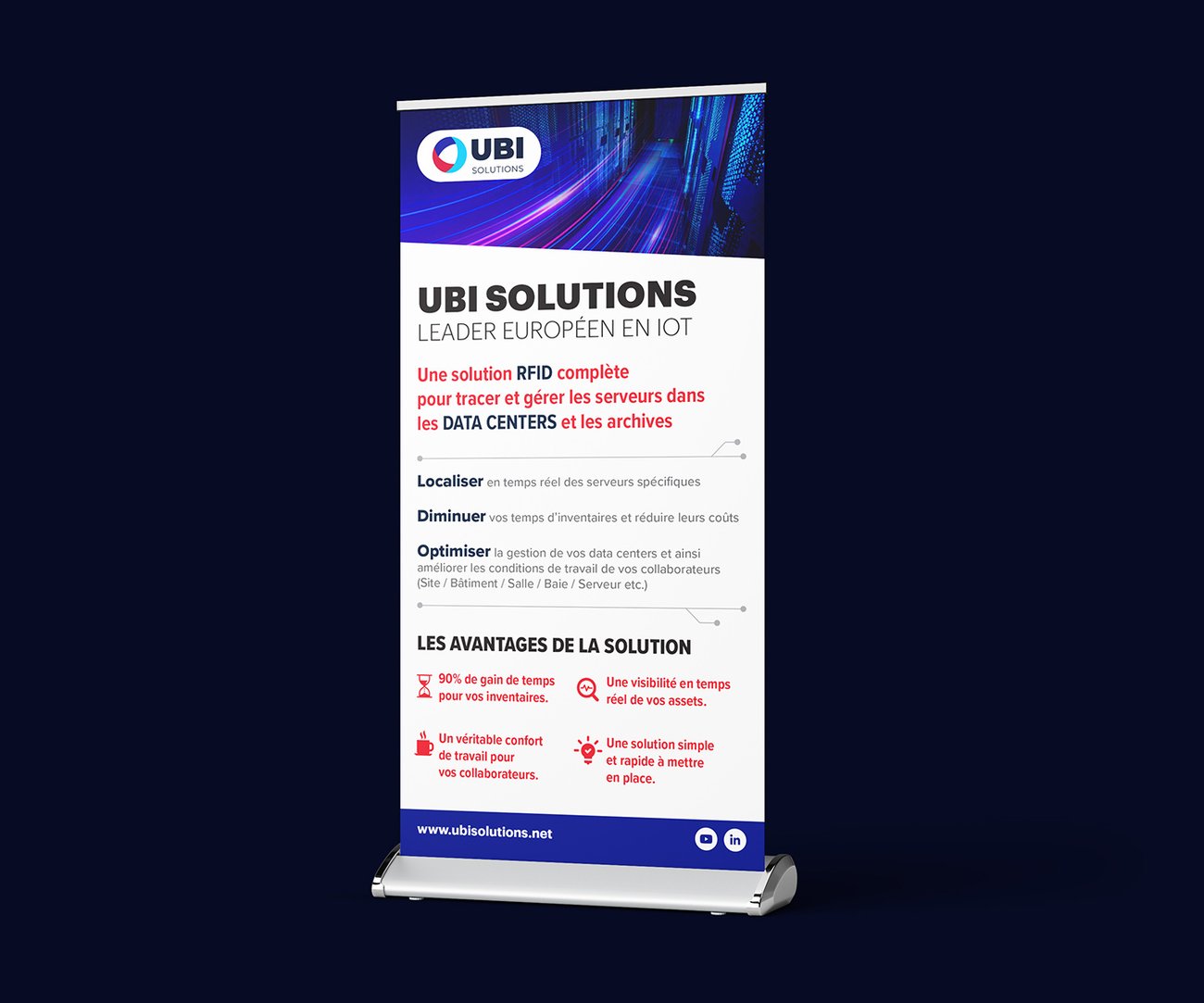
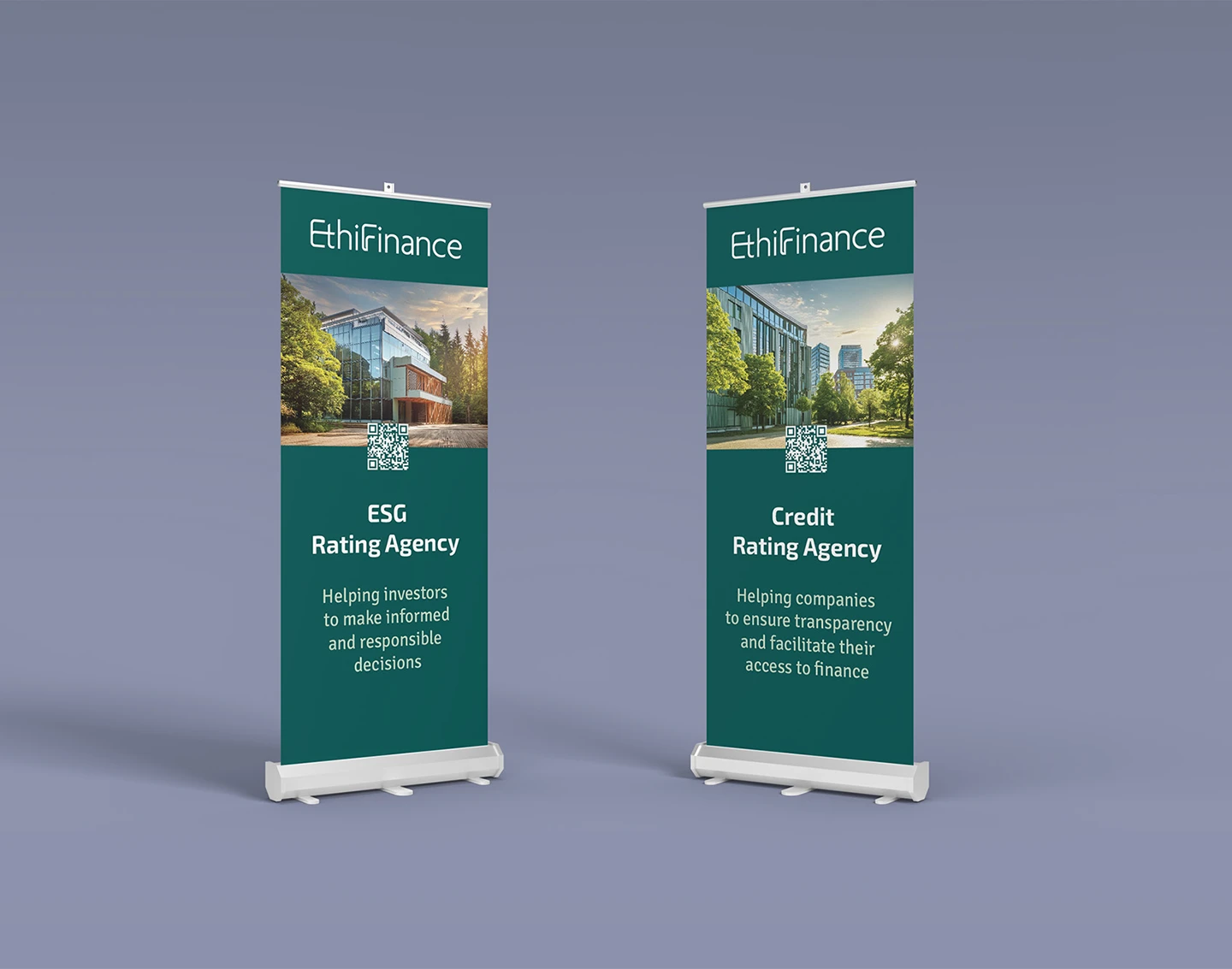
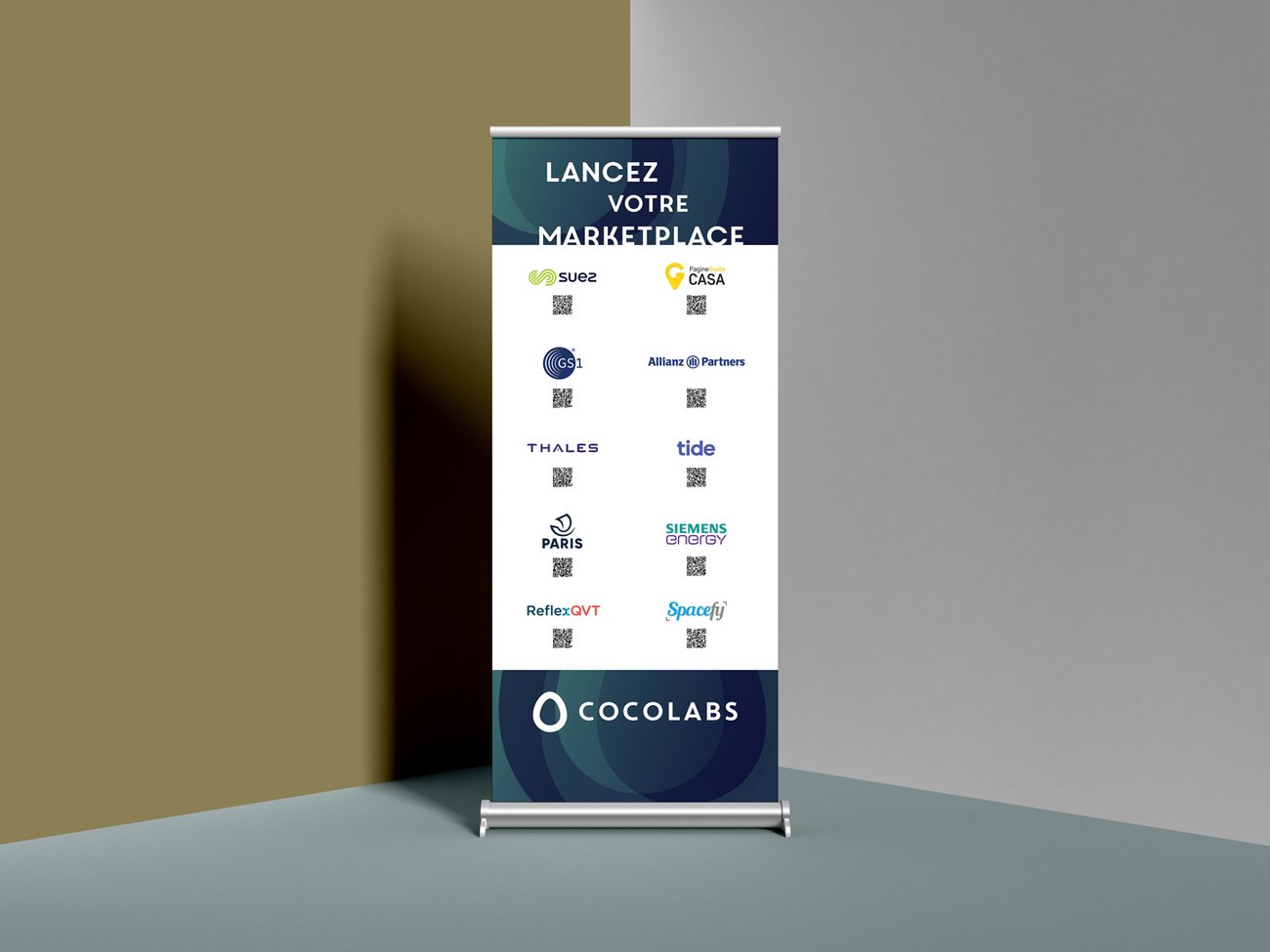
Roll-ups and kakemonos created for trade fair and B2B event contexts.
📌 What to remember
For a standard trade show stand, the format 85x200cm is the default choice — it's suitable for 80% of B2B contexts, fits in clutter-free, and remains the easiest to create and print.
If your stand is larger than 3 x 3 m or you want to create a visual wall, go to 100 or 120 x 200. In any case, define the format before starting the graphic creation — changing the dimensions mid-project means starting the layout again.
Are you planning a trade show or event?
Creation of professional kakemonos and roll-ups — quote within 24 hours.
See the kakemono page