


Sales brochure · B2B SaaS
B2B SaaS brochure: structure, content and design
Explain the product, reassure decision-makers and encourage demo requests. Your brochure should move the conversation forward, even when it is shared without you. Here is the content to prioritise and the design choices that make it easy to understand.
Let’s talk about your project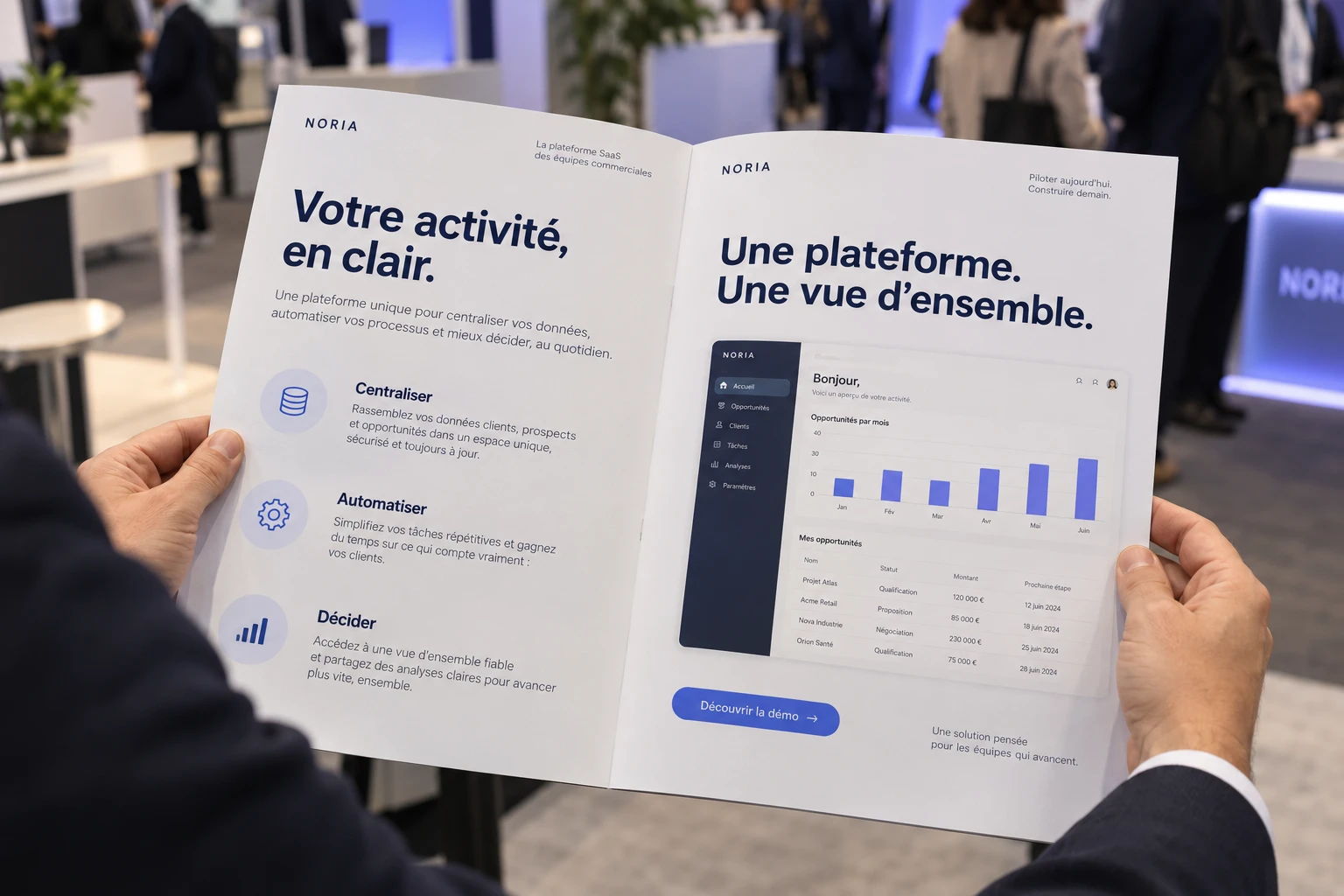
One document, several decision-making priorities
Users want to see how the product fits their work. Management wants to understand the business case. IT wants to identify constraints. Make those answers easy to find.
CIO / CTO
“How will it fit into our IT systems?”
- IntegrationsAvailable APIs and connectors.
- DataHosting and access controls.
- OperationsSupport and service commitments.
CFO
“What does it cost, and what value does it bring?”
- Pricing modelPer user, by volume or by module.
- Total costWhether deployment and training are included.
- EvidenceDocumented benefits with a clearly defined scope.
Business team lead
“What will change in our day-to-day work?”
- Use casesA recognisable working scenario.
- InterfaceAnnotated screenshots of the real product.
- AdoptionOnboarding and training.
Executive leadership
“Why this solution rather than another?”
- PositioningWho it is for and what need it addresses.
- DifferentiationA tangible, demonstrable advantage.
- TrustClient references and deployment requirements.
A strong product, but hard to explain in just a few pages?
How should you structure a SaaS brochure?
One possible structure for an 8-page PDF. Adjust the page count to your content, while keeping a clear narrative from the customer’s need to the evidence.Example layouts for the fictional brand Noria.
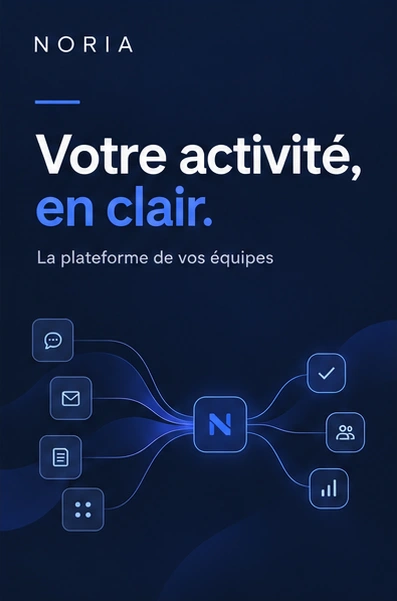 Page 1
State the promise
Identify the audience, the problem and the main benefit on the cover.
What to show One clear sentence and an image related to the use case.
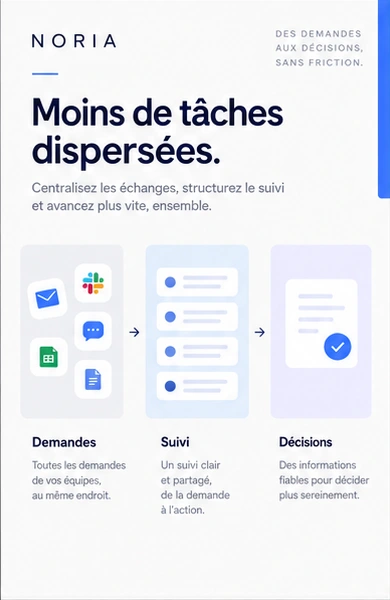 Page 2
Start with the problem
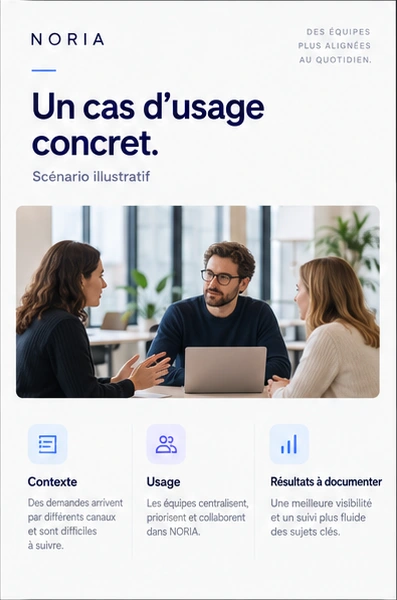
Describe a working situation the reader recognises before introducing the features.
What to show A concrete scenario, its limitations and the expected improvement.
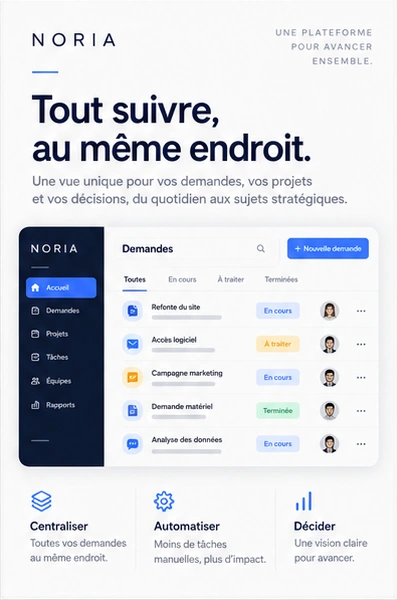 Pages 3–4
Make the product tangible
Connect the key features to a simple user journey instead of piling up screenshots.
What to show An annotated interface and a diagram explaining how it works.
 Page 5
Back it up with evidence
Choose a relevant client reference and a verifiable result, with its context.
What to show An approved case study, a testimonial or a sourced data point.
 Pages 6–7
Address the objections
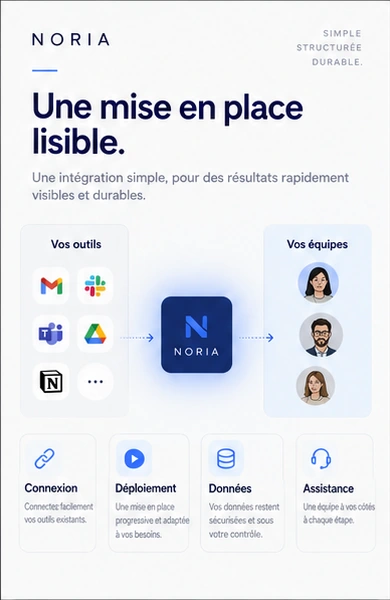
Summarise integrations, deployment, the pricing model and the guarantees you actually offer.
What to show Clear essentials with a link to detailed documentation.
 Page 8
Make the next step clear
Offer an explicit next step suited to the prospect’s readiness: a demo, a conversation or a trial.
What to show A clickable link in the PDF and a tested QR code for print.

Which brochure fits your sales situation?
A first conversation does not need the same level of detail as a complex sale. These formats are starting points, not fixed page counts.
Encourage a demo request
For targeted outreach or a conversation at a trade show.
- Format
- A4 portrait, 4 pages.
- Content
- Value proposition, key use cases, evidence and a call to action.
- Visuals
- One annotated screenshot and useful icons.
- Deliverables
- A lightweight PDF and a print version if needed.
Help your message travel
Give your contact a document they can share internally.
- Format
- A4 portrait, 6–8 pages.
- Content
- Product journey, case study, integrations and deployment.
- Visuals
- Annotated screenshots, a use-case diagram and an infographic.
- Deliverables
- An interactive PDF with links to the demo and supporting documents.
Support the decision
For a broad offering, a specific industry or a strategic account.
- Format
- A4 portrait, 8–12 pages or a core brochure plus factsheets.
- Content
- Industry-specific scenarios, relevant evidence and answers to objections.
- Visuals
- Workflow diagrams, industry illustrations and documented data.
- Deliverables
- A main version and adaptations specified in the quote.
For industry-specific versions, keep a shared core and adapt the use cases, references and terminology. There is no need to rebuild everything.
A first brochure or several versions for your sales teams?
To estimate your investment: brochure design budgets by project need.
Make a technical offering easy to understand
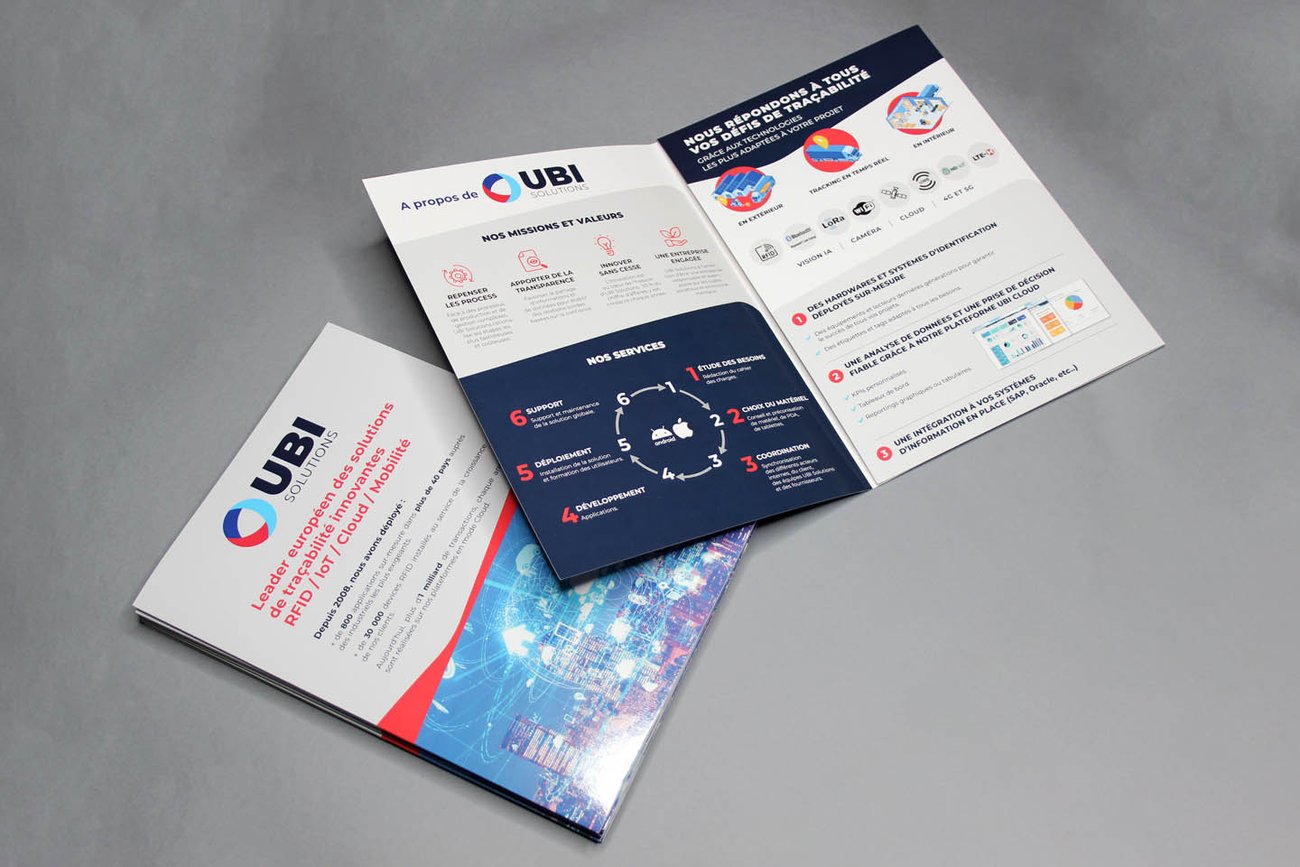
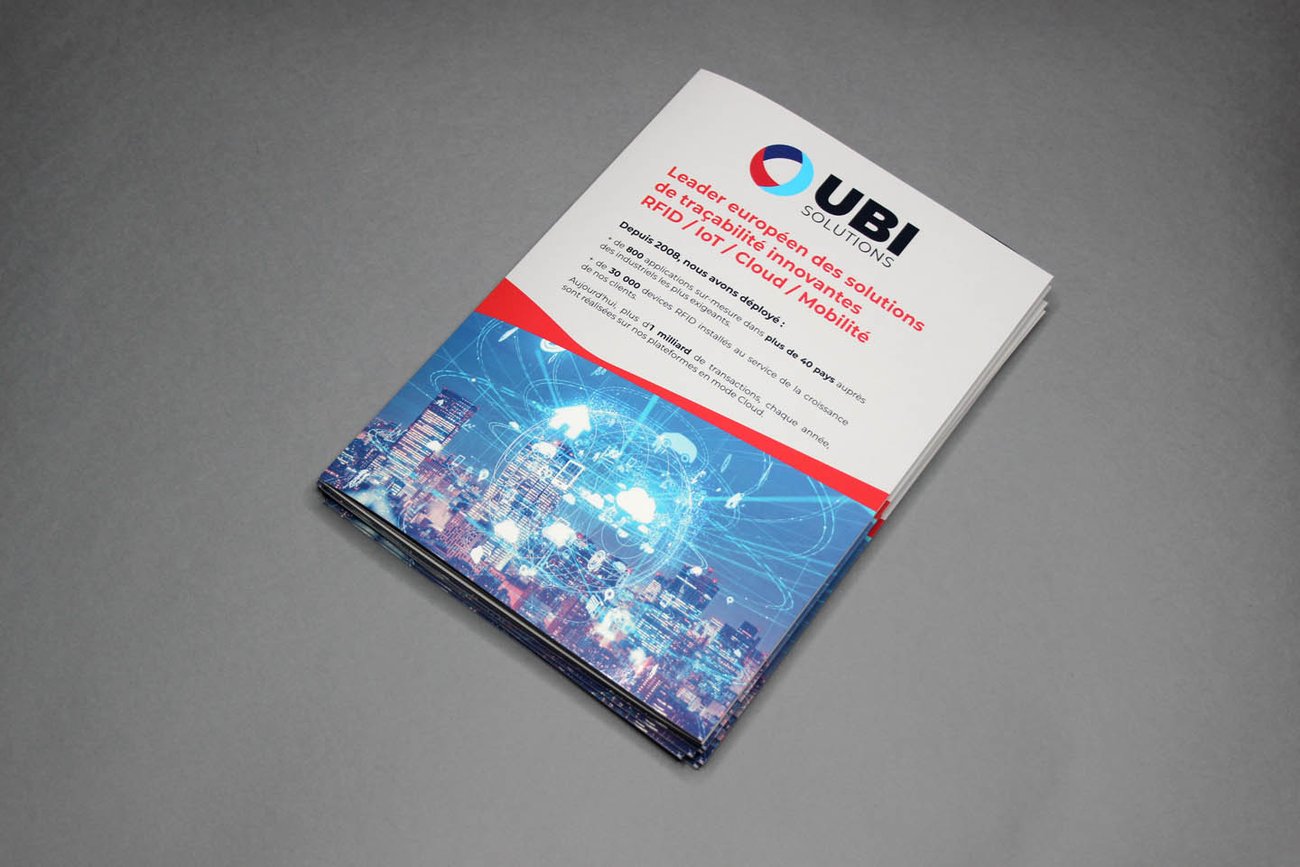
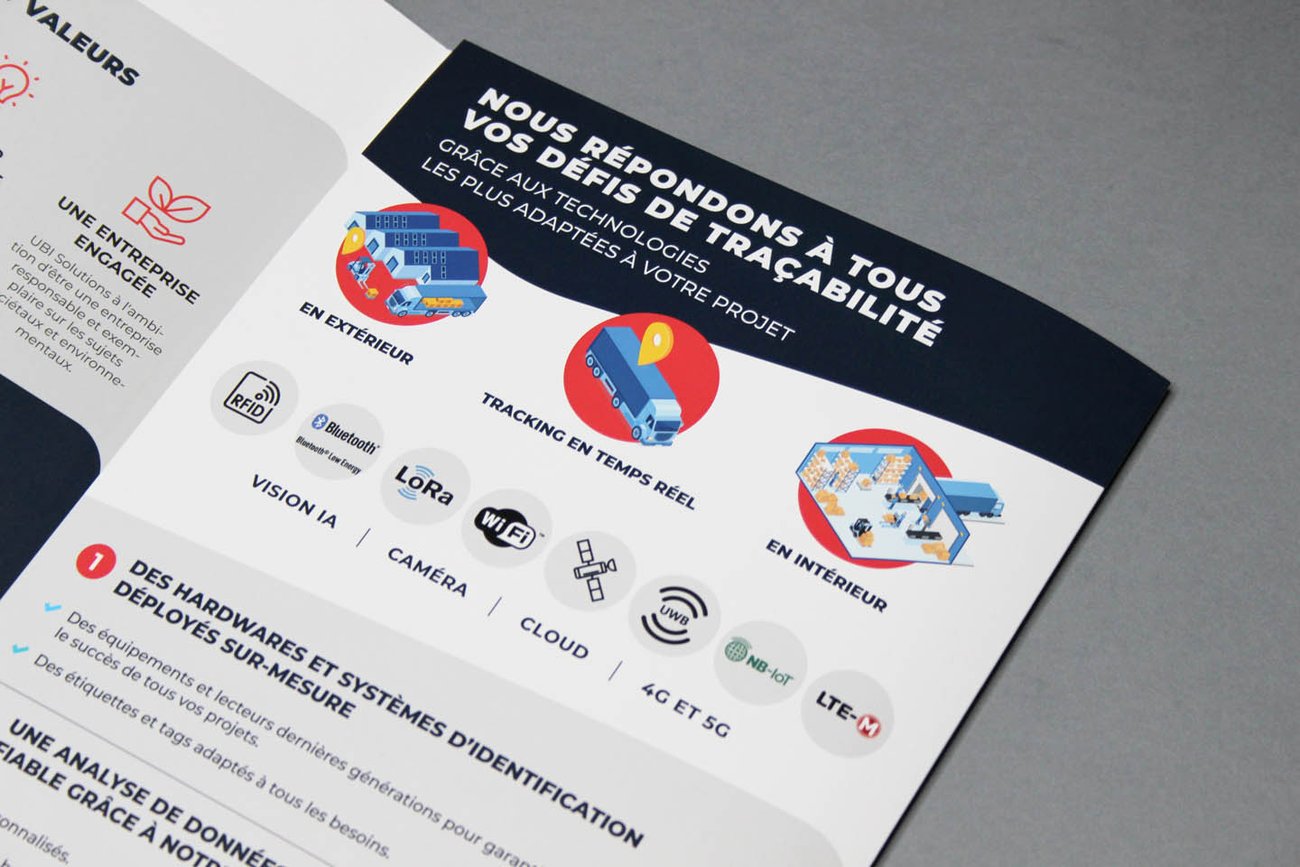
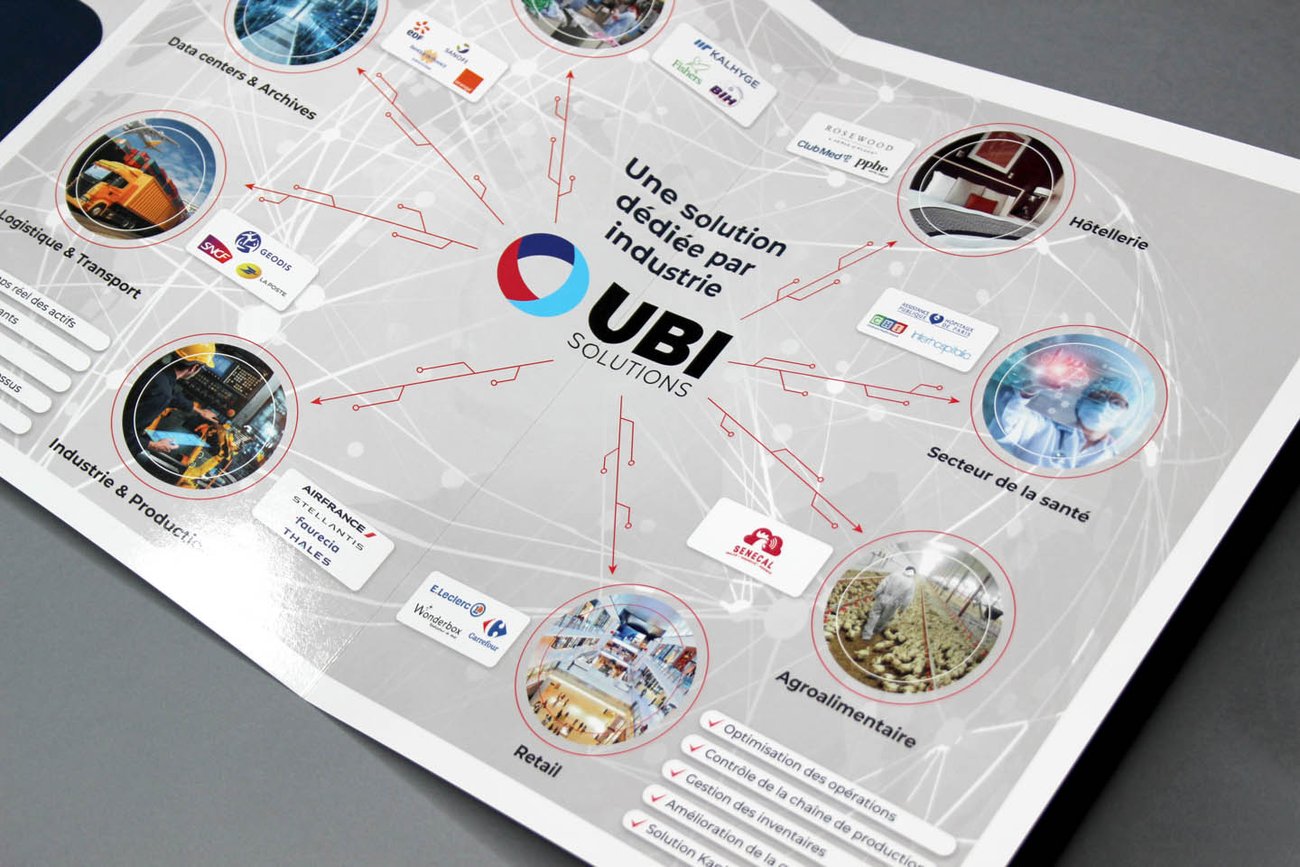
B2B art direction example
UBI Solutions
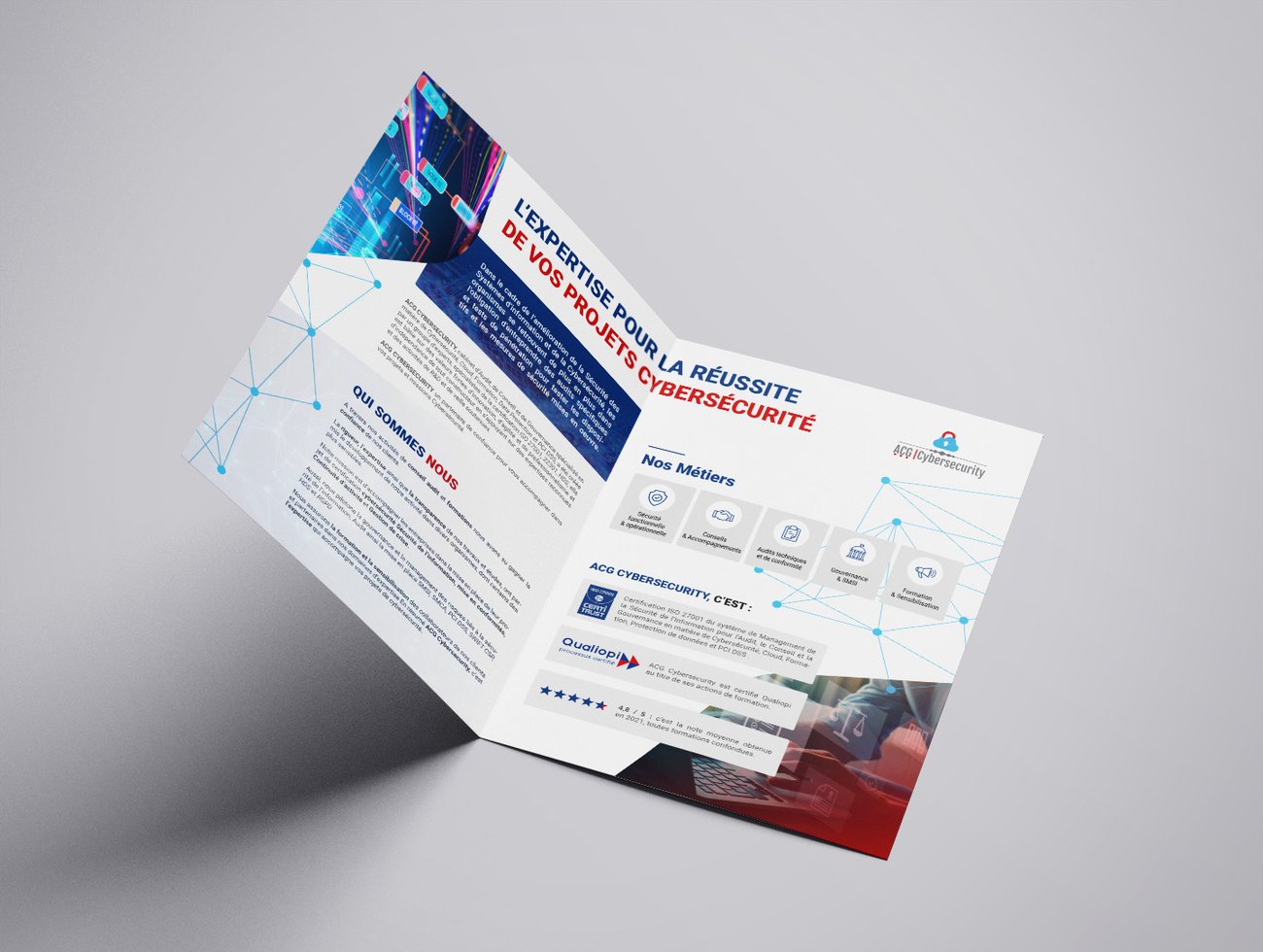
This brochure illustrates a shared challenge: organising a technical offering so it is easier to understand.
- Clearly defined sections to distinguish the company, its services and its technologies.
- A central diagram to show the stages of the service.
- Visual signposts to find information without reading every word.