


CMS & Development · Case Study
After 10 years with WordPress, I left the platform to build my own CMS
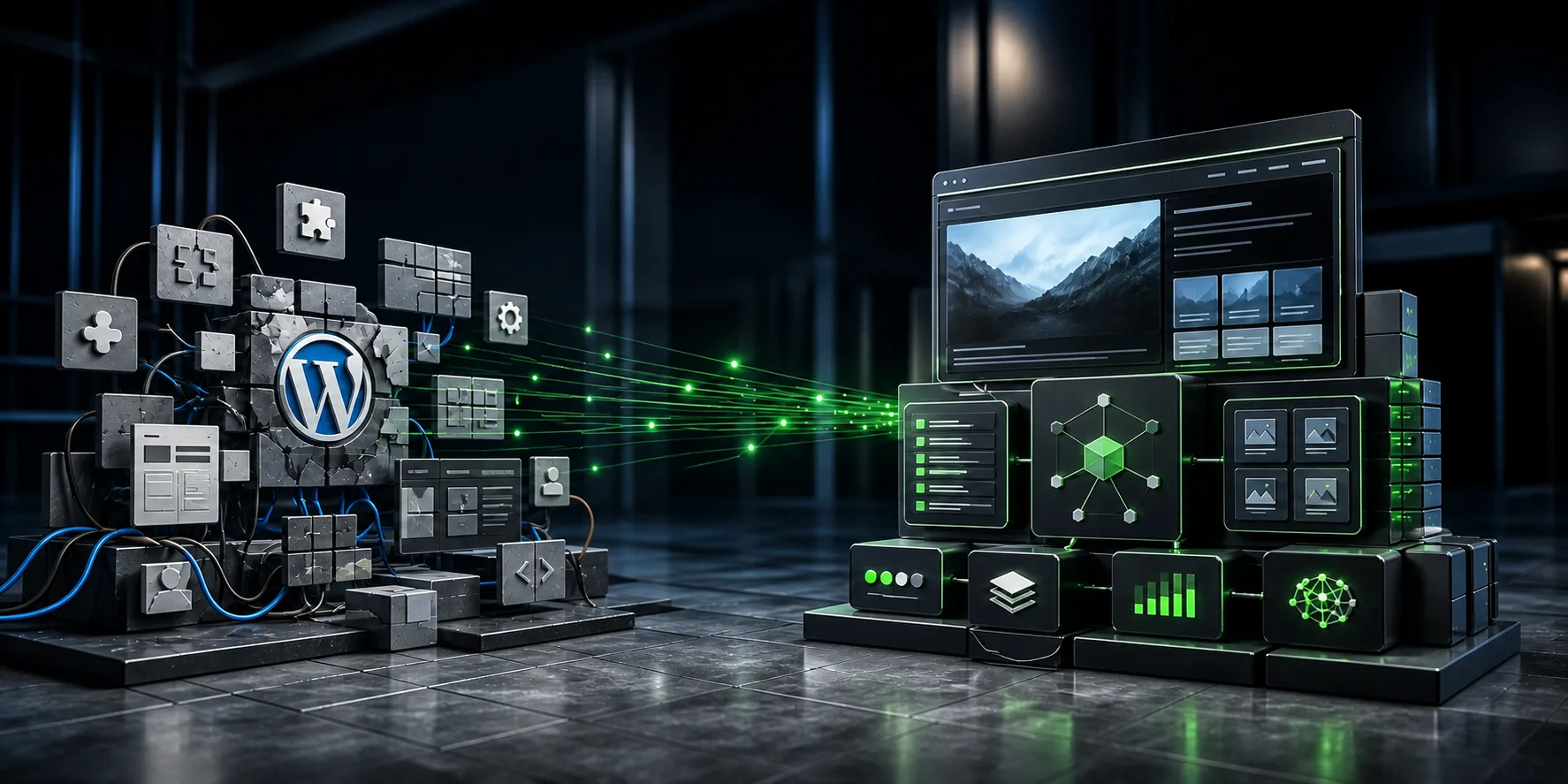
After 10 years with WordPress, my workflow had evolved well beyond the tool itself. I designed a complete platform bringing together a bespoke CMS, a static frontend, a design system, SEO, conversion and AI agents, all within my own local environment.
Over 10 years with WordPress.
Dozens of sites designed, themes customized, my own plugins built, and a platform I learned to know inside out.
Then my workflow changed.
Figma became the starting point for art direction. Development moved local. Components, the design system, structured content, SEO, conversion and AI agents took up a growing share of how I work.
I eventually made a fairly radical decision: build the environment exactly around my own workflow.
That's how the new version of altaydagistan.com came to be.
From a portfolio to a digital platform
The redesign quickly outgrew the question of the public site. I wanted to bring together, in one product: art direction, publishing, business, architecture and AI — five axes that used to each live in a different tool.
Two applications, one product
I split the admin from the public site. The CMS is built in PHP and MySQL: it handles content and operational functions. Astro fetches this data at build time and generates the public site as static output.
This architecture gives each part exactly the behavior it needs.
Once the site is built, editorial pages can be served without hitting the CMS on every visit.
Building the CMS around real publishing work
I wanted an admin that matches the site's structure exactly. A portfolio project can bring together:
- Client information
- Ordered gallery
- Videos
- Categories
- Translations
- SEO
- Fields specific to its own presentation
Content has its own structure before it ever reaches the frontend.
This approach changes the day-to-day experience significantly. Publishing a project, fixing a translation, editing a meta description or reordering content becomes a direct operation.
The CMS becomes a production interface, not a pile of assembled tools.
An art direction that stays free
The frontend is built on a design system written in SCSS. Typography, colors, spacing, radii, breakpoints and transitions all draw from one shared set of tokens. This system provides a stable visual grammar — while still leaving enough freedom for projects to adopt very different compositions.
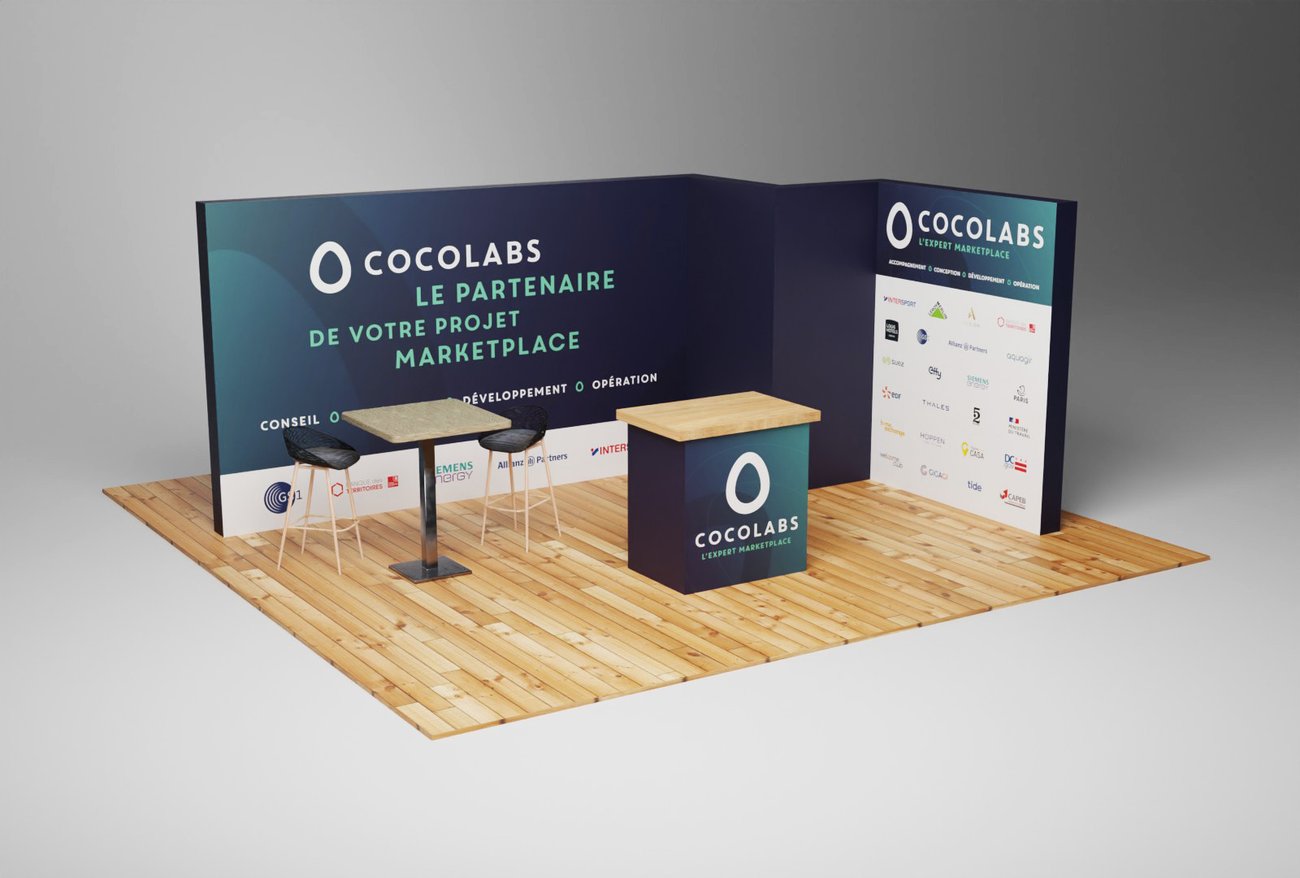
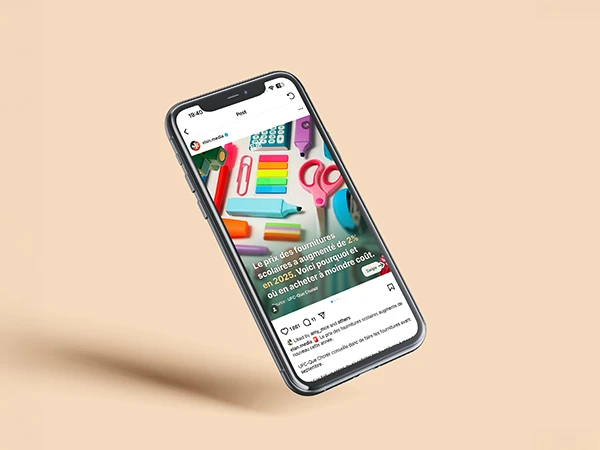
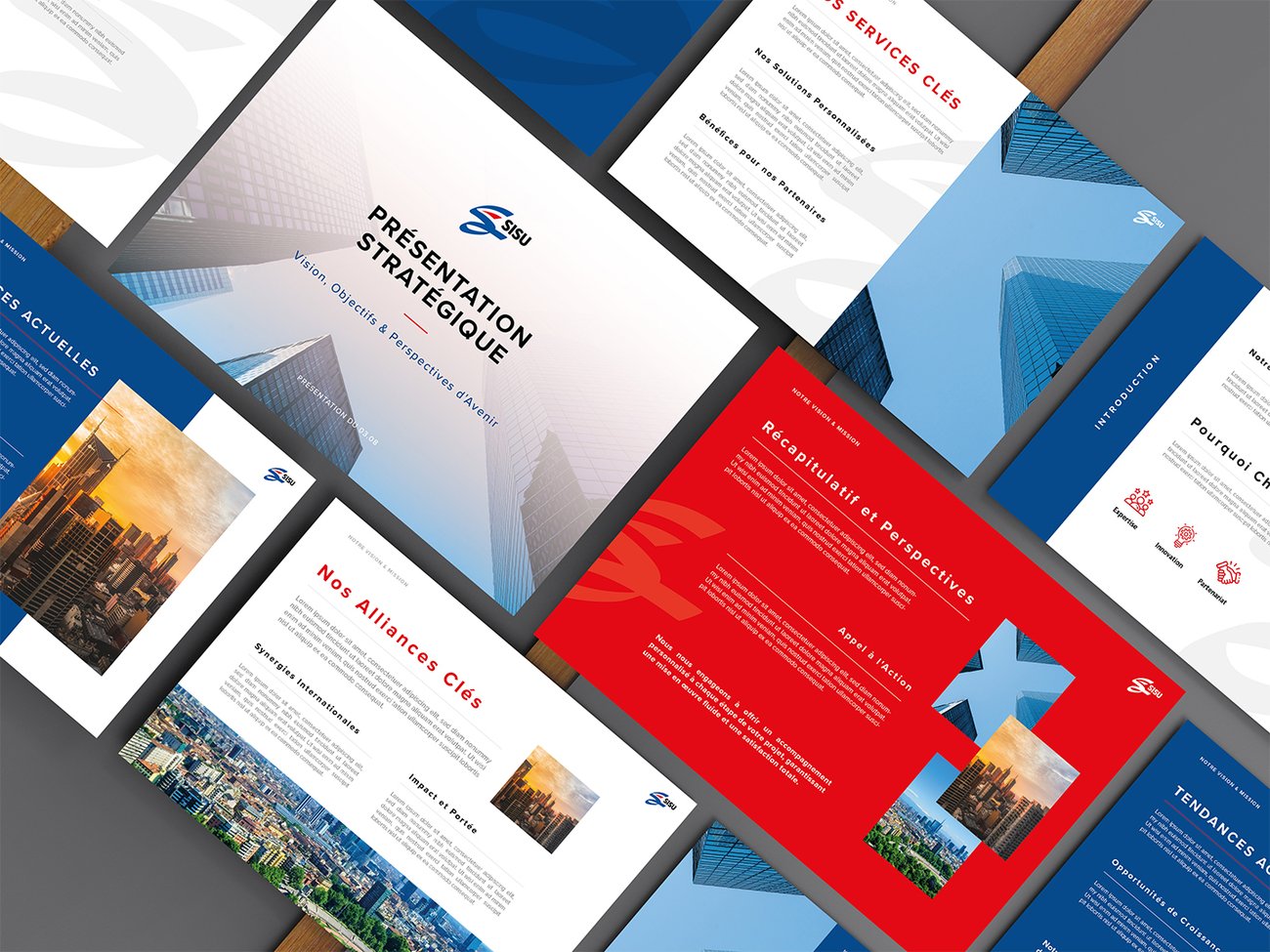
This is an important principle in my work as an art director: a digital identity should be able to frame creative work without flattening it.
The site also becomes a business tool
A professional portfolio supports a journey. I built this logic directly into the platform: forms, quote requests, downloadable resources, contact points and gated content all use the same environment.
A service page should clarify an offer. A case study should demonstrate expertise. A CTA should appear when the next step becomes natural — on a landing page, this logic translates directly into the journey:
Conversion then becomes a design and architecture decision, not a last-minute addition.
SEO built into the publishing process
By leaving WordPress, I took back control of functions usually left to plugins. The CMS stores the editorial data:
- Title
- Meta description
- Canonical
- Indexing
- Social information
Astro then generates the corresponding technical outputs.
The staging environment can also be automatically excluded from indexing.
Bringing AI agents directly into the workflow
This is probably the change that transformed how I work the most. Claude, Codex or Gemini work directly from my local environment and can act on the code, components, SEO and the site's structure.
To give them a reliable view of the project, the CMS automatically maintains a context file:
{
  "pages": [ { "slug": "...", "locales": "..." } ],
  "portfolio": [ { "slug": "...", "categories": "..." } ],
  "seo": { "title": true, "description": true }
}
The agents can then answer requests like:
The system provides the relevant context directly.
The PC becomes the production hub
The code, the development CMS, Git, backups and AI agents all run in the same local environment. That continuity cuts down significantly on file exports and repeated explanations.
Demanding art direction paired with a very fast frontend
Performance was one of the constraints from day one.
- Static Astro
- Responsive images
- Modern formats
- Self-hosted fonts
- Minimal JavaScript
- Animations that respect
prefers-reduced-motion
The results, as measured in production:
Performance directly shapes how the interface is perceived. A page that appears quickly, stays stable and responds instantly also gives the design a sense of precision.
Planning the rollback path before you need it
Step 01
Git checkpoint
Git keeps the code's full history. A restore point is created before any sensitive or multi-file operation.
Step 02
MySQL backup
The MySQL database has compressed backups, taken automatically before any risky operation on content or schema.
Step 03
Sync
Schema and content are synced to the target environment before the build, never after.
Step 04
Build & verification
Astro rebuilds the site from the latest data, then the result is checked before anything goes live.
Step 05
Publishing
Going live stays a deliberate action — never automatic, never triggered without explicit confirmation.
So, should you abandon WordPress?
I wouldn't draw that conclusion. WordPress stays a solid fit for a lot of projects. A bespoke build becomes genuinely worthwhile once the constraints start to outgrow standard templates:
At that point, a different question becomes more interesting:
What architecture actually fits the product you're trying to build?
That's the question that guided altaydagistan.com.
What this project changed about how I work
Building the platform gradually pulled several disciplines closer together.
Everything converges on the same product. It's also what interests me most in digital projects today: designing identity, interface, content, usage and technology as different dimensions of one single experience.
From portfolio to product
The project started as a redesign of my own site. It became a complete environment to design, publish, maintain and grow my business online.
The frontend is its visible part. Behind it sits an editorial, business and technical system built entirely around how I work.
This platform has itself become a demonstration of the approach I bring to digital projects: pairing graphic rigor, an understanding of real usage and technical command to build experiences that can keep evolving.
A bespoke website or CMS project?
Let's talk about your workflow, your content, and what a bespoke architecture could bring you.
Request a quote